
SHOPCAT VIDEO HELPA little help.
A little help.
A smoother day.
Follow along, one task at a time. Short walkthroughs for setting up your shop, billing, printing and keeping your data safe.
9 tutorials
Watch here, or open on YouTube
Make your first bill
Create your first sale, add items and save a bill.Watch tutorial Read the guide
Set up ShopCat
Set up your shop and get ready for your first sale.Watch tutorial Read the guide
Add a product
Add a product to your catalogue, ready for billing.Watch tutorial Read the guide
Take cash, UPI or card payments
Record a sale paid by cash, UPI or card.Watch tutorial Read the guide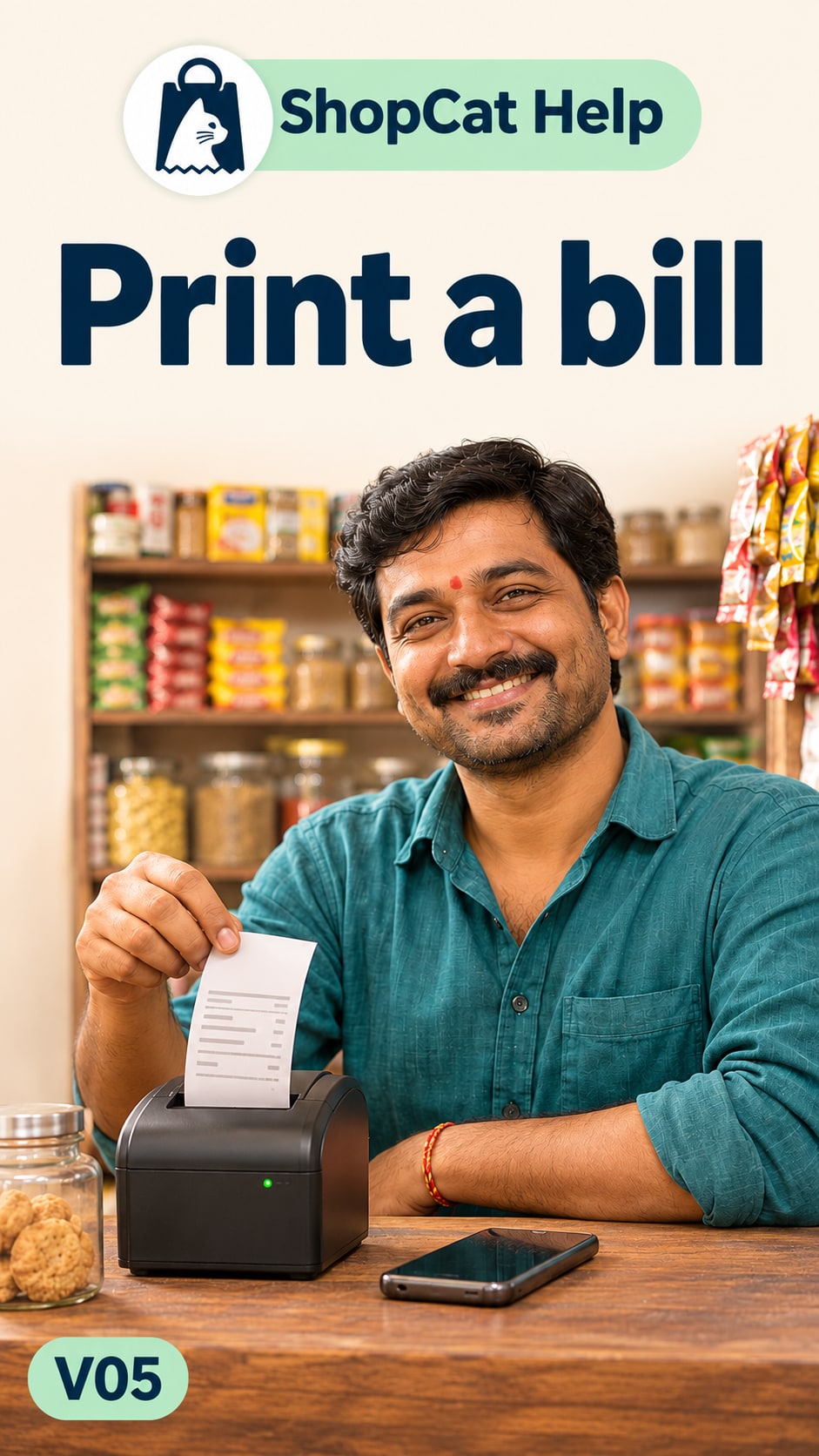
Print a bill
Send a saved bill to your receipt printer.Watch tutorial Read the guide
Connect a receipt printer
Follow the receipt printer connection steps.Watch tutorial Read the guide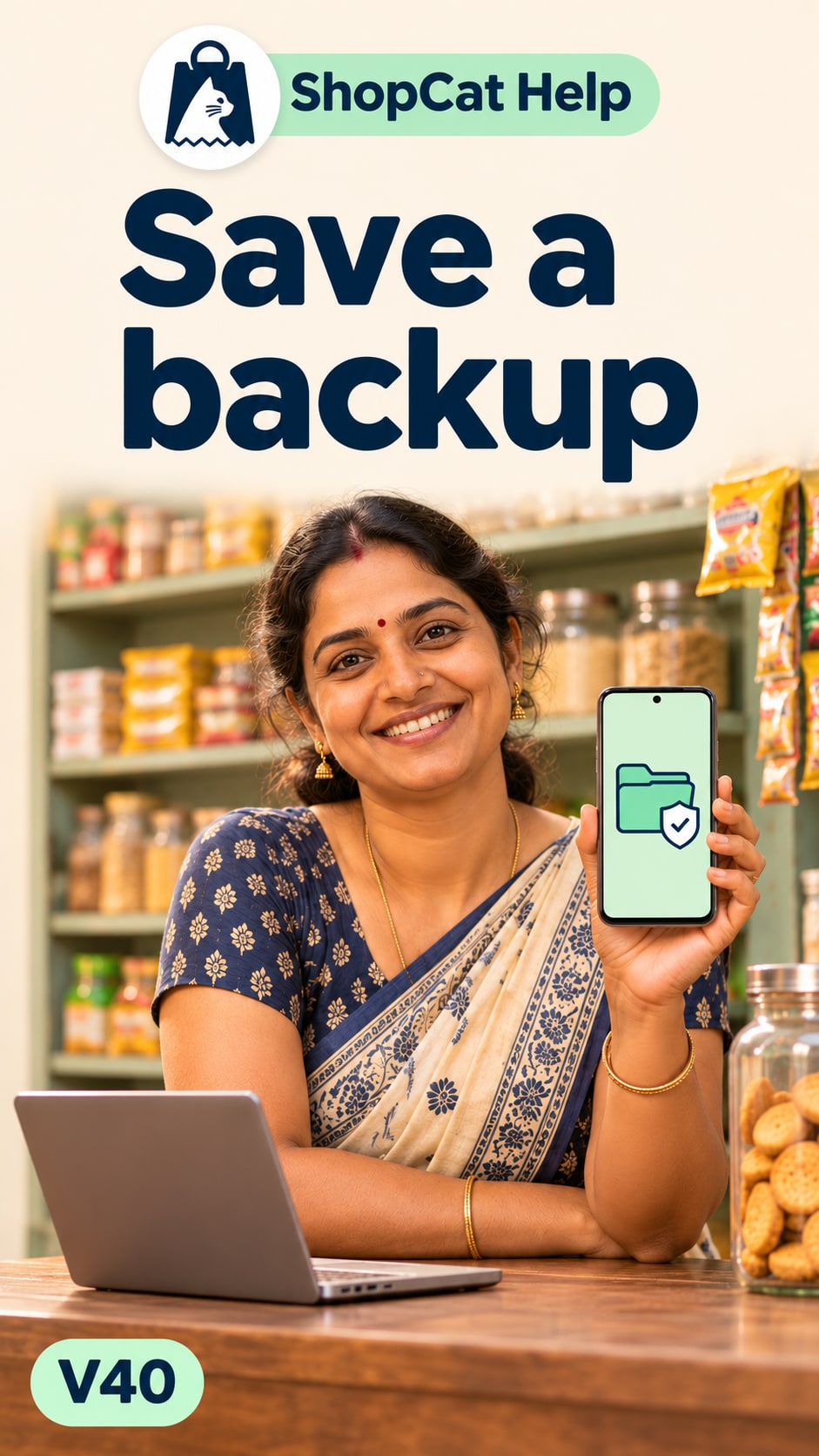
Save a backup file
Save a backup file for safekeeping.Watch tutorial Read the guide
Choose and keep your backup password
Choose a backup password and keep it safe.Watch tutorial Read the guide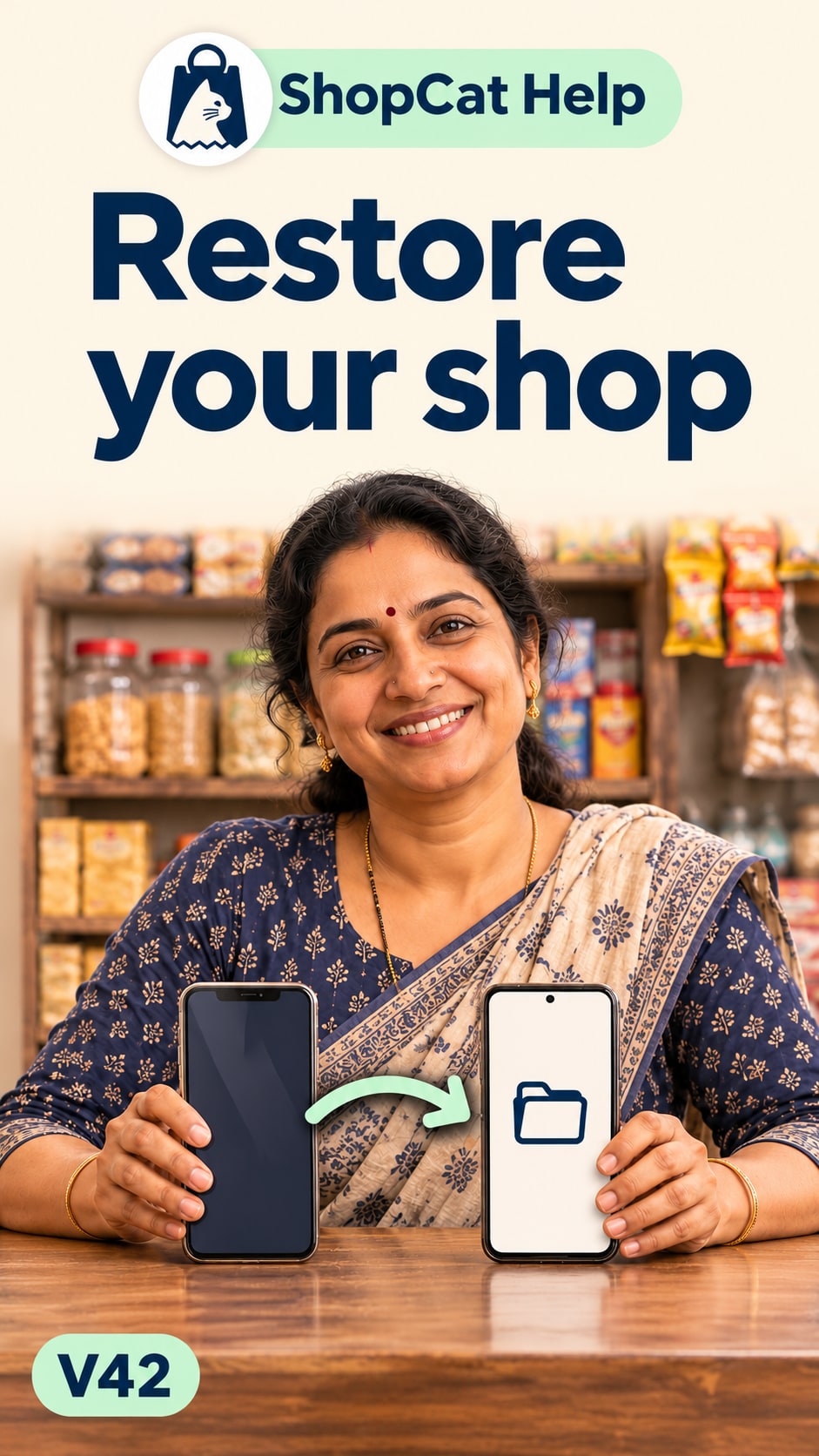
Restore your shop on a new phone
Restore your shop from a backup on a new phone.Watch tutorial Read the guideNo tutorials found
Try “bill”, “printer” or “backup”, or choose another topic.
Browse written guides →These walkthroughs show Android. Screens and permissions may differ on iPhone. Playing a video connects to YouTube.